6 min read
The Rehire Report: AI Still Needs Human Judgment
 Bill Monreal : September 10, 2026
Klarna, Ford, and IBM show why AI creates more value when automation handles repetitive work and people retain judgment.

If employees can't tell which procedure is current, an AI assistant won't settle that decision for them. Before you connect company knowledge to AI, establish which sources are approved, who keeps them accurate, and who should have access. Then test whether the assistant can help people find a supported answer to a real work question.
You don't need to reorganize every file before making progress. Start with one useful knowledge area, resolve its conflicts, and set the rules before deployment. The business outcome is straightforward: less time hunting for information and less avoidable rework from following the wrong instructions.
Start with the decisions people need to make. A customer service team might need the approved process for handling a return. An accounting firm might need its internal procedure for requesting missing client documents. Choose questions that come up repeatedly and have answers an accountable person can verify.
Then locate the material that actually answers those questions. A shared folder might contain an approved procedure, an unfinished revision, and an old copy saved for reference. Putting all three within reach doesn't make the approved answer obvious.
Microsoft's Copilot readiness guidance emphasizes current, well-governed content and existing access controls. The practical leadership question is simpler: could a new employee identify the right source without asking the person who wrote it? If the answer is no, clarify the source before adding an AI interface.
Assign ownership to someone who understands the business process and can approve changes. IT can manage the environment, but it shouldn't have to decide whether a purchasing rule or client-service instruction is correct.
For each approved source, record its owner, approval status, effective date, intended audience, and next review date. Define who can propose a change and who can publish it. A recent file modification isn't the same thing as a business review; fixing a typo doesn't confirm that the procedure still applies.
This also helps reduce dependence on one person's knowledge. The owner needs a backup and a documented handoff so accuracy doesn't depend on one employee being available. Choose a review schedule that fits how often the process changes, and trigger an extra review when the underlying work changes.
Keep approved working instructions easy to distinguish from drafts and superseded material. That might mean a controlled library, a defined approval process, or a narrower collection of sources for the assistant. The right implementation depends on your environment.
Here's a hypothetical manufacturing example. A purchasing coordinator asks an internal assistant who must approve a supplier change. One document names the former operations manager. Another draft proposes a different review process. The current procedure requires review by the quality lead.
The first job is to have the process owner confirm the rule and identify the authoritative version. Configure the assistant's source scope around that approved guidance, then test the question. Don't rely on a prompt telling the assistant to choose whichever document looks newest.
Superseded records may still serve a business or retention purpose. Separating them from active guidance doesn't mean deleting them. Agree on how historical questions will be handled and how users can reach the right person when older material is relevant.
An accurate answer can still be inappropriate for the person asking. Pricing guidance, personnel records, and client information need access boundaries that match actual responsibilities.
For its documented SharePoint knowledge-source integration, Microsoft says Copilot Studio surfaces content the signed-in user has permission to access. That doesn't establish whether those permissions are appropriate. If a source was shared too broadly, respecting its existing permissions won't correct the underlying decision.
Review the selected sources, group membership, and sharing links before deployment. Test with representative employee accounts, including an account that should be denied access. Don't approve the experience based only on what an administrator can see.
This connects AI readiness to cybersecurity risk management and everyday IT operations. People change roles, projects end, and access needs change. Reviewing employee access remains part of keeping company knowledge properly controlled.
Build a small set of real questions with the process owner. Include a straightforward request, an ambiguous question, an outdated instruction, and a question the approved sources don't answer. Record the expected response and the evidence that supports it.
Require reviewers to check the cited source, not just whether the answer sounds plausible. A source reference is useful, but it doesn't prove the response correctly represents the document. For consequential decisions, keep a qualified person responsible for reviewing the answer before acting.
Define the fallback when support is missing: identify the gap and direct the employee to the owner. Treat that as behavior to configure and test, not something every assistant will do automatically. The assistant shouldn't invent an approval rule because the employee expects an immediate answer.
Agree on one primary KPI, such as the median time employees need to find a verified answer. Measure a baseline first. Accuracy, access, and appropriate escalation remain acceptance conditions; a faster unsupported answer doesn't count as a successful result. Estimate ROI against the actual effort required to prepare, operate, and maintain the solution.
Launch doesn't finish the work. Establish a simple way for employees to flag a questionable response and for the owner to correct the underlying source. Recheck affected questions after a procedure changes, and confirm the assistant can retrieve the updated material before treating the change as complete.
Keep an inventory of sources, owners, access decisions, and test questions in an environment your organization controls. That supports continuity and portability if your needs or service provider change. It also makes ongoing technology management part of the solution rather than an afterthought.
When evaluating providers through a search such as "managed IT services Cleveland," ask who'll maintain those responsibilities after deployment. Buying an assistant and managing a dependable business capability are different commitments.
Monreal IT's Managed AI approach starts with an AI Game Plan Assessment, then prioritizes use cases by productivity, risk, and ROI. Governance and data readiness come before deployment, followed by a limited pilot with one KPI and ongoing management. Knowledge preparation connects that work to the security, cloud, and IT environment supporting it.
Leaving conflicting instructions in place means your team still has to resolve them during the workday. Preparing a focused set of approved sources gives people a clearer place to start and a defined route when the answer needs judgment. AI can help them use that knowledge; people remain accountable for it.
Start Here with Monreal IT's Compatibility Check to explore whether we're the right partner for that work.

6 min read
Bill Monreal : September 10, 2026Klarna, Ford, and IBM show why AI creates more value when automation handles repetitive work and people retain judgment.

7 min read
Bill Monreal : August 20, 2026Before buying more AI licenses, choose one KPI that proves whether the work saves time, lowers risk, or improves decisions.
7 min read
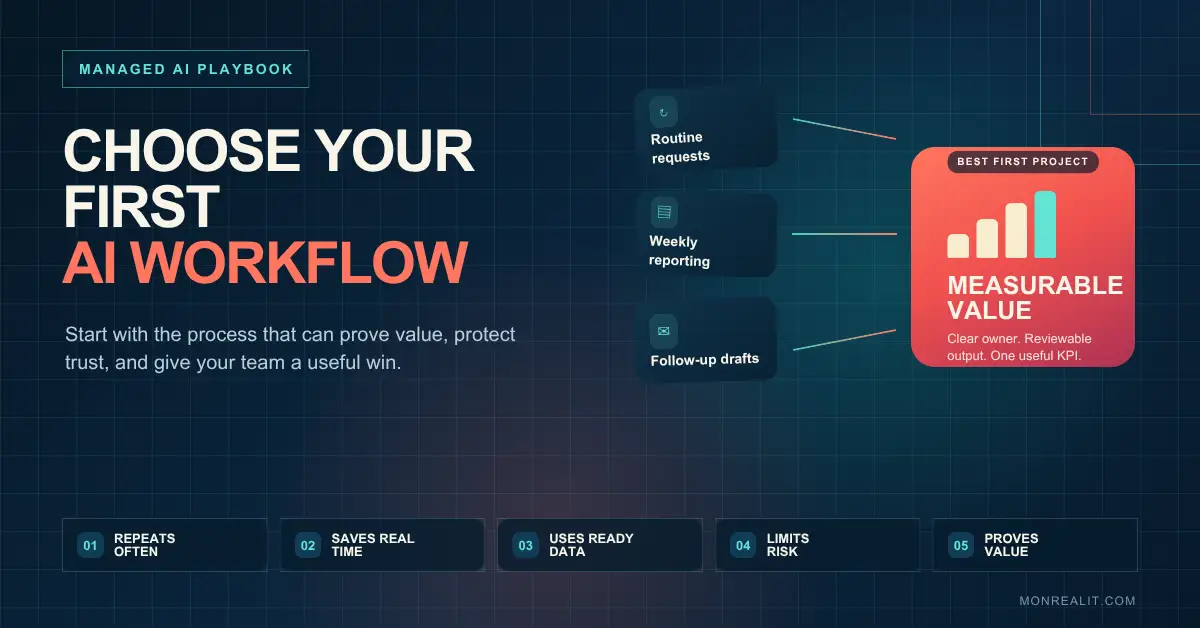
Bill Monreal : August 6, 2026Use five practical filters to choose a first AI workflow that saves time, limits risk, and produces a result your business can actually measure.