 Monreal IT
 6 min read
Crypto Agility Keeps Encryption Change From Becoming a Crisis
 Bill Monreal : September 3, 2026
Crypto agility helps your business change encryption without chaos. Learn why an inventory and transition plan matter before standards shift.

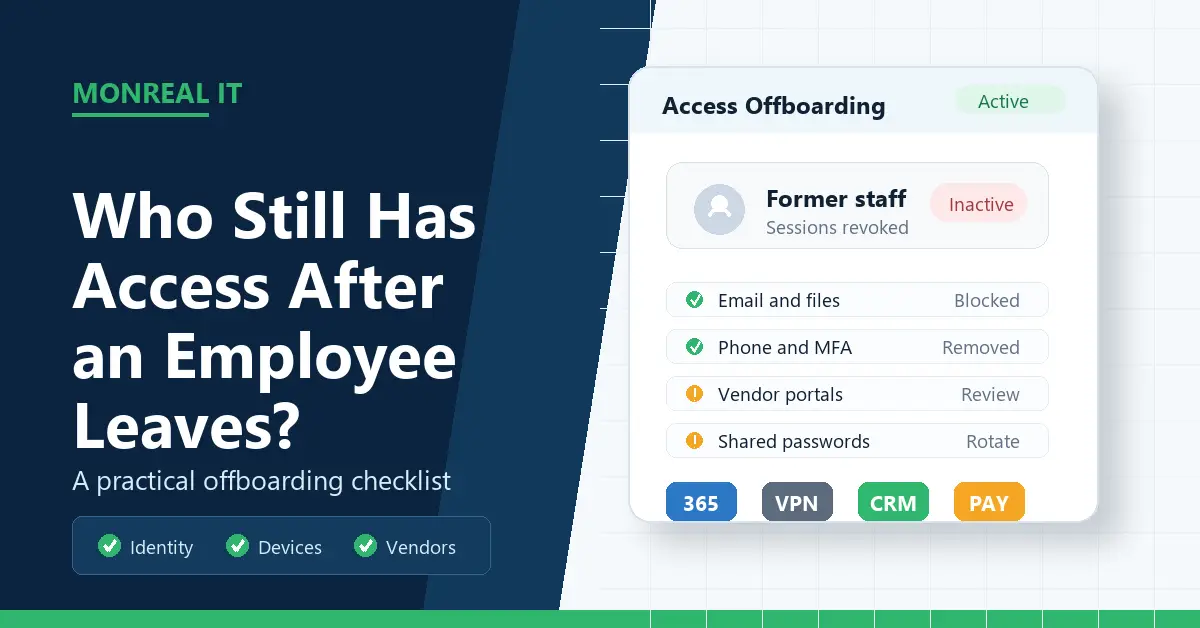
When an employee leaves, most businesses remember the obvious things.
Collect the laptop. Turn off the email account. Change the alarm code if needed. Maybe grab the office key, recover the headset, and wish everyone a clean handoff.
The trouble is that business access does not live in one place anymore. It lives in Microsoft 365, accounting software, CRM systems, phone apps, shared mailboxes, password managers, vendor portals, file-sharing tools, project management boards, remote access systems, and the occasional "temporary" app that somehow became important three years ago.
That is why offboarding deserves more attention than a quick account disable. A former employee does not need bad intentions to create risk. A missed account can keep receiving client data. A personal phone can still have work email. A vendor login can remain tied to a person who no longer works there. A shared password can quietly walk out the door because nobody thought of it as access.
For small and midsize businesses, the goal is not to build a giant enterprise bureaucracy. The goal is to know where access exists, remove it promptly, preserve the business data you still need, and make the process repeatable enough that you do not have to reinvent it during every resignation, layoff, or awkward Friday afternoon exit.
Access gets missed because most businesses grow faster than their access list.
A medical practice may start with Microsoft 365 and one practice management system. Then it adds a billing portal, an e-signature tool, a scheduling platform, a secure messaging app, a payroll system, and a few vendor dashboards. An accounting firm may add tax software, client portals, document storage, remote desktop access, password vaults, and bank feeds. A manufacturer may have ERP software, shipping portals, CAD tools, maintenance systems, and shared shop-floor devices.
Nobody creates this stack all at once. It accumulates through normal work. That is the sneaky part.
NIST's small business guidance points owners toward identifying and controlling who has access to your business information, including accounts and privileges. That sounds basic, but it is often the missing piece. If nobody maintains a useful list of systems and account owners, offboarding becomes memory work. Memory work is where gaps live.
In our view, the biggest offboarding mistake is treating Microsoft 365 as the whole problem. Microsoft 365 is usually the front door, and it matters a lot. But it is not the entire building. If a former employee still has access to a billing portal, a password vault, a VoIP app, or a client file system, the business may still have exposure even after email is blocked.
Start with the core identity account. For many businesses, that means Microsoft 365 or Google Workspace. Block sign-in, revoke active sessions, reset the password, remove or transfer multifactor authentication methods, and make sure the user cannot continue accessing email, Teams, SharePoint, OneDrive, or cloud apps through old sessions.
Microsoft's offboarding guidance treats former-employee removal as a sequence, not a single button. That is the right mindset. You may need to block access, preserve mailbox contents, handle OneDrive files, forward mail temporarily, wipe or block mobile devices, and remove licenses only after the business has what it needs.
Be careful before deleting accounts. In some cases, a manager needs access to emails or files to keep work moving. In other cases, legal, HR, healthcare, finance, or client obligations may require retention. Deleting first and asking questions later can create a different problem. The safer pattern is block access quickly, preserve what the business needs, then clean up licenses and accounts after the retention decision is clear.
This is also a good time to review shared mailboxes, distribution lists, Teams channels, SharePoint permissions, and calendar ownership. Departing employees often own recurring meetings, shared documents, vendor relationships, or client communications. If those handoffs are not reassigned, your access cleanup can accidentally create operational confusion.
Once the core identity is handled, move outward.
Review the tools the person used every week. CRM, accounting, payroll, HR, ticketing, estimating, project management, design tools, industry software, phone systems, remote desktop, VPN, cloud backup, password managers, social media, domain registrar, website hosting, and vendor portals should all be on the list when relevant.
Then check for shared credentials. If the employee knew a shared password for a vendor portal, social account, local admin account, copier dashboard, or Wi-Fi network, disabling their named account may not be enough. The shared password may need to change, and the business may need to replace that habit with named accounts or a password vault. For companies still sorting out password manager choices, this is one of the clearest use cases: offboarding is simpler when access is assigned to people, not passed around in a group chat like a cursed sticky note.
The FTC's security guidance also supports limiting access on a need-to-know basis. That principle is useful during offboarding because it forces a simple question: what access did this person truly need, and who needs it now? Not every role needs every file, every admin console, or every customer record.
Devices deserve their own pass.
Company laptops, tablets, phones, security keys, badges, and backup drives should be returned and checked. Personal devices are trickier. If employees use personal phones for work email or MFA, the business needs a clear process to remove work data, remove authenticator registrations, and avoid leaving a former employee with convenient access in their pocket.
Remote access is another common gap. VPN accounts, remote desktop tools, browser profiles, saved sessions, local admin accounts, and third-party support tools can survive longer than they should. This is especially important for hybrid teams and field staff. If remote work is part of your environment, remote workforce security should include clean exit procedures, not just login rules for current employees.
Physical access belongs on the checklist too. Door codes, alarm codes, keycards, office keys, file cabinets, server rooms, network closets, and storage units may all matter. Digital risk gets most of the attention, but a former employee with a working door code and a quiet Sunday afternoon is still a business problem.
Some of the riskiest access lives outside your own systems.
Think about bank portals, insurance portals, tax systems, healthcare portals, client systems, supplier dashboards, shipping accounts, admin consoles, and any tool where the employee represented your company. If the account is controlled by a third party, your IT provider may not be able to remove it directly. Someone still has to notify the vendor, confirm removal, and document the change.
Admin roles deserve special handling. A standard user account and a global admin account are not the same risk. If the departing employee had administrator privileges, review logs, rotate emergency credentials, confirm backup admin coverage, and check whether any apps or automations depended on that account. CISA has documented cases where a former employee account became a real entry point for attackers, which is a useful reminder that old access is not just a paperwork problem.
This matters for trust, too. If you ever need help proving your cybersecurity to a client, clean offboarding records are much easier to defend than "we think Bob handled that." Cyber insurance questionnaires, client security reviews, and compliance conversations often ask whether access is removed promptly when people leave.
The best offboarding process is boring in the nicest possible way.
Create a checklist by role. A front-desk employee, engineer, technician, office manager, accountant, and executive will not have the same access. Keep the checklist simple enough that HR, operations, and IT can use it together. Include the employee's manager because they usually know the oddball tools IT may not see.
Set timing rules. For a planned departure, decide what happens before the final day, on the final day, and after the final paycheck or retention window. For an urgent termination, decide who triggers immediate access removal and who verifies completion. Do not leave this to a Slack message and optimism.
Assign owners. HR may own the employment event. IT may own identity, devices, and security tools. Department managers may own business handoffs. Finance may own payment systems and vendor portals. Nobody needs a novel. They need a clear "who does what by when."
Access control is part of basic cybersecurity hygiene, but it is also part of operational continuity. The same process that keeps a former employee out also helps the next person step in without hunting through abandoned inboxes, mystery spreadsheets, and files named "Final_FINAL_use_this_one_v7."
If you're comparing an IT managed services provider Cleveland businesses can trust, ask to see how they handle offboarding. A good provider should be able to explain the checklist, timing, verification steps, and documentation without making it sound mystical. A clean offboarding process inside a broader managed services plan should cover identity, devices, cloud apps, security tools, and vendor coordination.
If someone leaves today, start here.
First, block core account sign-in and revoke active sessions. Second, preserve email, files, and business records before deleting anything. Third, remove or transfer MFA methods, shared mailbox permissions, group memberships, and admin roles. Fourth, collect or remotely secure company devices. Fifth, review the person's common business apps and vendor portals. Sixth, rotate shared passwords the person knew. Seventh, reassign ownership of files, meetings, inboxes, workflows, and client relationships.
Then schedule a follow-up review in a week. That second pass catches the tools people forgot during the first rush. It also gives managers time to notice missing access, orphaned workflows, or client handoffs that did not land cleanly.
If you discover suspicious activity during the review, shift from normal offboarding to incident response. Preserve logs, avoid destroying evidence, and follow a calmer plan for what to do after a security incident.
Offboarding is not about distrust. It is about closure. People leave businesses for normal reasons every day. The business still has a duty to protect client information, employee data, financial systems, and its own operations. When access removal is prompt, documented, and repeatable, everyone gets a cleaner ending: the former employee, the team taking over, and the business that does not have to wonder who still has a key.

6 min read
Bill Monreal : September 3, 2026Crypto agility helps your business change encryption without chaos. Learn why an inventory and transition plan matter before standards shift.
7 min read
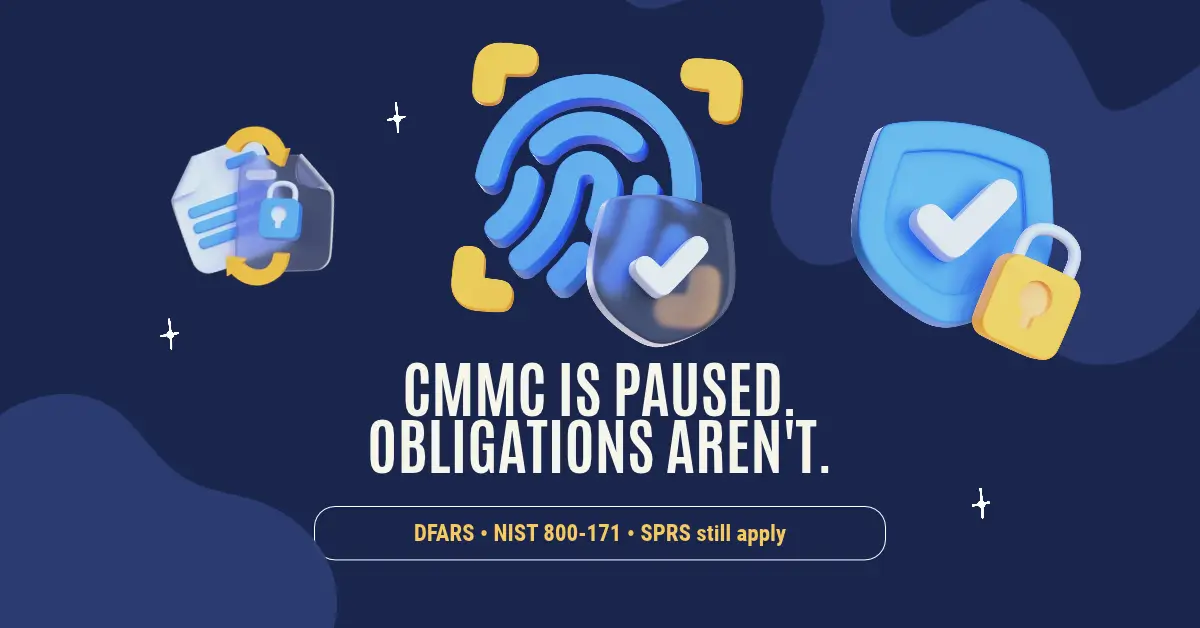
Bill Monreal : August 27, 2026CMMC Phase II is paused, but DFARS, NIST 800-171, SPRS scores, and prime flow-downs may still apply. Here's what defense suppliers should do.
7 min read
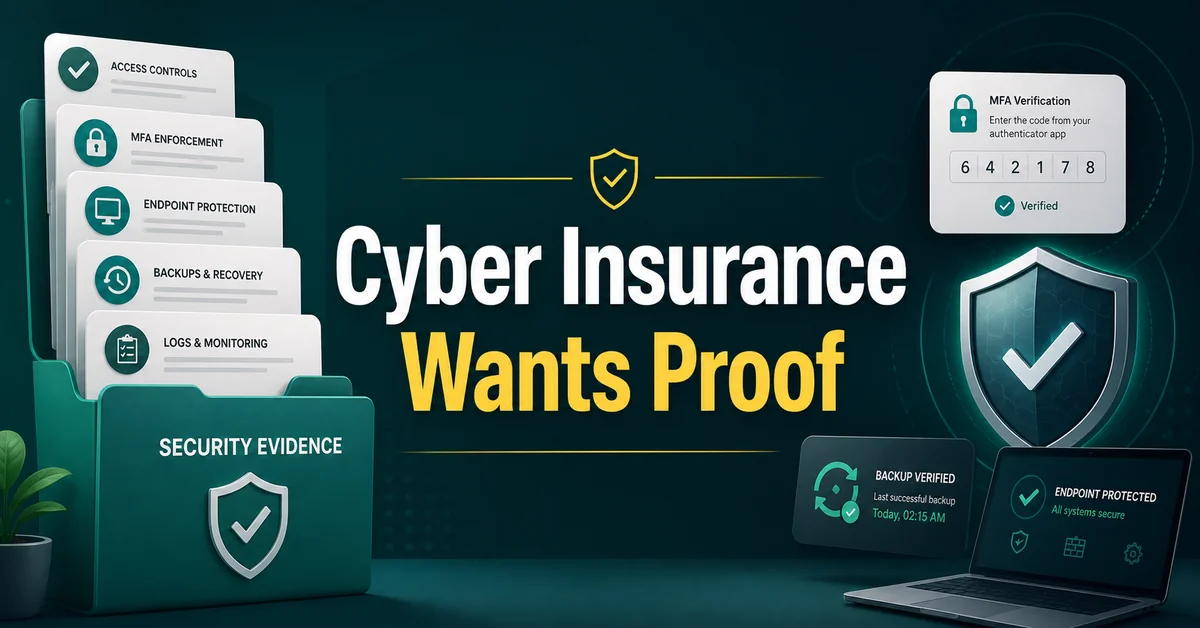
Bill Monreal : August 13, 2026Cyber insurance asking for proof? Start with MFA, backups, endpoint protection, response planning, and clear security documentation.