7 min read
Your Help Desk Closes Tickets. Are Problems Actually Fixed?
 Bill Monreal : July 30, 2026
Closed tickets don't always mean solved problems. Learn five ways to measure whether your IT help desk reduces downtime, risk, and repeat issues.

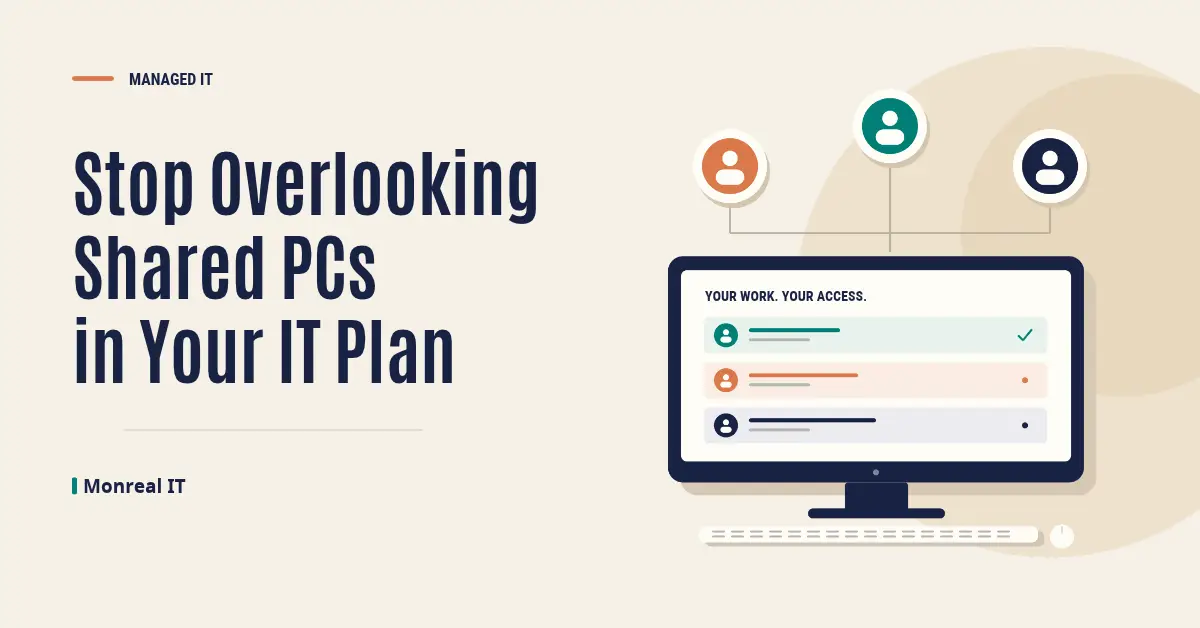
The computer beside a production line might serve three shifts. Another shared station might handle shipping paperwork or inspection records. Neither belongs to one employee, but both support work your business depends on.
Shared PCs belong in your IT plan with an identified business owner, appropriate individual access, a tested handoff between users, and scheduled maintenance. Sharing the hardware doesn't have to mean sharing a password or leaving the previous person's session open. The goal is straightforward: people should reach the work they're authorized to do without inheriting someone else's access or losing time to an unreliable station.
For owners, CFOs, and COOs, this is an operational decision. Count the people and processes depending on a workstation, not just the number of computers on an equipment list.
A personal laptop has an obvious user to ask about problems. A shared station needs someone responsible for reporting issues, approving changes, and coordinating with IT across shifts.
Start by recording its location, purpose, users, working hours, and business owner. Then document the applications each station needs, its connections to printers or scanners, and where its business records are stored. An inspection station and a shipping desk may need different arrangements even when the computers look identical.
Ask what happens if that station is unavailable. Can an authorized employee complete the task elsewhere, or does work wait? That answer helps set support and replacement priorities. This article concerns shared business workstations; computers that control production machinery need a separate review with the equipment supplier and relevant specialists.
A generic account can make a handoff feel convenient. It can also make it harder to establish who accessed a record, changed information, or approved a transaction. A shared password complicates the task of removing one person's access without disrupting everyone else.
Decide which actions require an individual's identity, then have IT design the sign-in and application access around that work. Review access when an employee leaves or changes roles. A workstation's location doesn't tell you everyone using it needs the same permissions.
There are different ways to configure shared devices. Microsoft's Assigned Access guidance describes restricted Windows experiences that allow only selected applications. That can be useful for a narrow task, but it isn't a universal answer. Your IT partner should check the Windows edition, application requirements, and identity needs before selecting a configuration.
These decisions belong in your broader cybersecurity planning. Making access practical and protecting business information have to work together.
Consider a hypothetical manufacturer with a shared inspection workstation. The first employee opens a controlled document, downloads an attachment, and leaves a browser session active. The next employee arrives to record a different job. Without a tested handoff, it's unclear which information, permissions, and files remain available.
Walk through that sequence with employees from different shifts. Check the business application, browser, downloads, print queue, and saved credentials. Confirm what locking the screen does, when someone should sign out, and how the next person starts their own session. Those actions aren't interchangeable.
Microsoft's Shared PC guidance includes configurable user-profile cleanup, with deletion based on sign-out, storage, or inactivity settings. Cleanup can affect locally stored work, so decide where records must be saved before enabling it. Don't treat a Windows profile setting as proof that every application has ended its session or removed its data. Test the actual configuration.
A workstation that several people use needs an application review as well as a device configuration. Being able to open software isn't proof that the arrangement is licensed correctly.
For Microsoft 365 Apps, shared computer activation supports multiple users on one computer under eligible plans. Microsoft's licensing guidance calls for each user to have an appropriate license and sign in with their own account. One person's activation doesn't activate the applications for everyone else.
Have your IT partner verify the current plan and deployment requirements before changing the setup. Check other business applications with their suppliers too. A shared workstation, a shared Windows account, and a shared software license are different decisions.
A station used across shifts may have little idle time. Agree when updates, restarts, and testing can happen, who approves an interruption, and what employees should do while it's unavailable. Microsoft's Shared PC feature doesn't configure Windows Update by itself; update settings need their own attention.
Make the support route visible at the station. Give employees a device identifier they can report and a clear way to describe the affected task. Track recurring workstation problems so the same printer, sign-in, or application issue doesn't become an accepted part of every shift.
Then test recovery. Can a replacement device reach the approved records and run the required applications? Are printer settings and other dependencies documented? Important records should live in an approved, protected location rather than depend on one local profile. Coordinate that decision with cloud access and data protection, then verify that the fallback works for the people who'll use it.
You don't need to replace every shared PC to improve the situation. Start with one station supporting important work. Observe a real handoff, identify its dependencies, and agree on the highest-priority correction with the business owner and IT.
Measure something useful, such as time lost to workstation interruptions, rather than counting configuration changes alone. Without that review, small problems can remain everyone's inconvenience and no one's responsibility. With it, you have a clearer basis for deciding what to fix, standardize, or replace.
If your search for "managed IT services Cleveland" has started with office laptops, add shared PCs to the conversation. Managed IT planning should account for the work happening throughout your business.
At Monreal IT, our proven process, The Monreal Way, connects discovery, design, implementation, support, and ongoing management to desired business outcomes. Shared workstations belong in that connected view of IT, cybersecurity, cloud, and data. Start Here with our Compatibility Check.
7 min read
Bill Monreal : July 30, 2026Closed tickets don't always mean solved problems. Learn five ways to measure whether your IT help desk reduces downtime, risk, and repeat issues.
6 min read
Bill Monreal : October 8, 2026Keep deployed AI focused on business results with ongoing performance reviews, security checks, human oversight, and a clear plan for changes.
6 min read
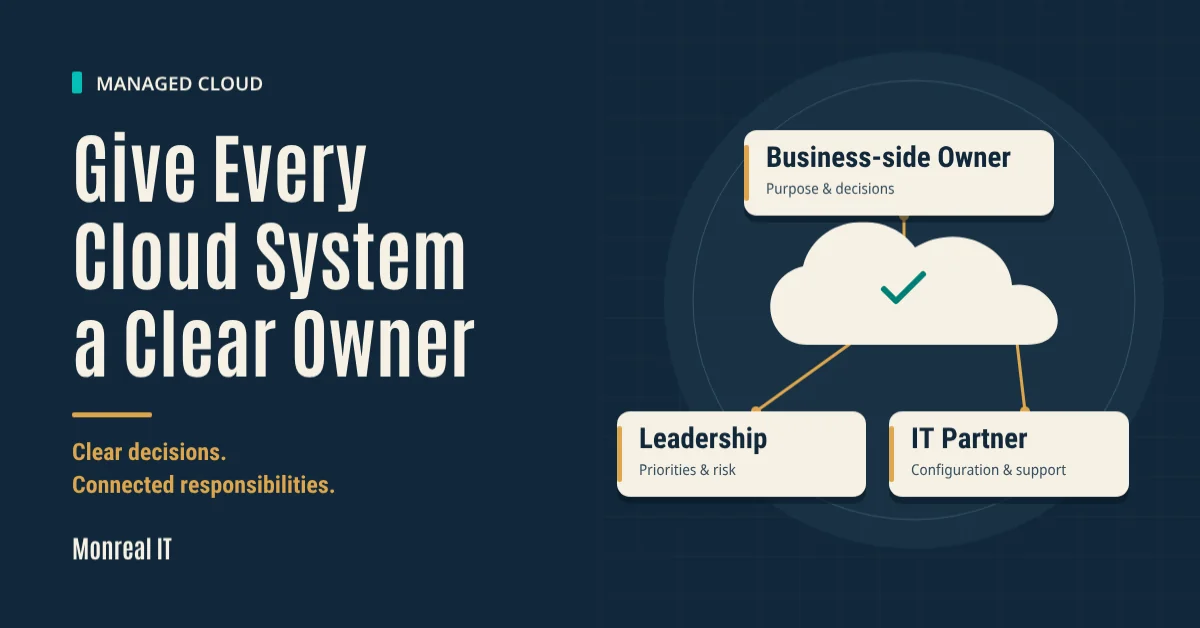
Bill Monreal : October 1, 2026Clarify who owns your cloud systems, approves changes, and reviews performance so business decisions don't fall between your team and IT.