6 min read
Crypto Agility Keeps Encryption Change From Becoming a Crisis
 Bill Monreal : September 3, 2026
Crypto agility helps your business change encryption without chaos. Learn why an inventory and transition plan matter before standards shift.

6 min read
Bill Monreal :
January 8, 2026
If you walked into your office tomorrow and shouted, "Who knows the Wi-Fi password?" and three different employees shouted back three different answers, you’ve got a problem. But if you walked in and asked, "Who knows the bank login?" and anyone shouted the answer, you’ve got a crisis.
As a managed services provider, we see this panic in business owners' eyes all the time. You know you need a password manager because “Password123” isn’t cutting it, and Excel spreadsheets are a hacker's dream diary. But picking one? That feels like choosing a favorite child, if your children were complex software algorithms that hold the keys to your entire livelihood.
We believe in being a guide who hands you a plan, not just another vendor trying to sell you a license. So, we sat down and actually tested the "Big Three" of the business password management world: LastPass, 1Password, and Keeper. We didn't just read the spec sheets. We looked at how they handle the real-world chaos of a busy office.
Here is the honest, unfiltered truth about which one deserves your trust in 2026.
Let’s address the elephant in the room immediately. You cannot talk about LastPass without mentioning the security incidents from a few years ago. In the cybersecurity world, however, there is a concept called "antifragility." It means that when something is attacked, it rebuilds itself stronger than before.
Because of those past events, LastPass has undergone more public scrutiny, third-party auditing, and architectural overhaul than perhaps any other tool on the market. They didn't just patch the holes. They poured new concrete. Today, they stand as the most battle-tested platform available, having learned lessons that younger competitors haven't had to face yet.
My Experience: I’ve used LastPass on and off for a decade. The interface is familiar, which is a massive win for user adoption.
If LastPass is the veteran commander, 1Password is the special ops agent. They are precise, slightly more rigid, and obsessed with protocol.
My Experience: Setting up 1Password for a team requires a "Secret Key." This is a generated code that you must have to log in on a new device.
For a deeper dive on why we take this architecture so seriously, read about how privileged access management works in practice.
Keeper has quietly been building a solid reputation while staying out of the headlines. They market themselves heavily on being "zero-knowledge," meaning they literally cannot see your data even if they wanted to.
My Experience: I found Keeper’s interface to be modern and slick. It feels like a 2026 app rather than a legacy tool.
If you’re worried that better tools mean higher bills, you should check out our thoughts on why expensive cybersecurity is often a misconception.
Based on our testing and managing these tools for clients:
The Winner for Enterprise Management: LastPass. If you are running a business with more than a handful of employees, you need control. LastPass provides the most robust set of policy enforcements and admin tools we have seen. It allows us, as your managed service provider, to secure your environment more tightly than any other tool.
The Winner for Pure Architecture: 1Password. For smaller teams or highly regulated industries where the "Secret Key" model is preferred over administrative ease, 1Password remains a top-tier choice.
The Winner for UX: Keeper. Keeper is a fantastic middle ground with a great interface, though it lacks the granular enterprise history that LastPass brings to the table.
Choosing a password manager isn't just about convenience. It is about business continuity. If you’re looking for managed IT services Cleveland businesses rely on to make these hard decisions, give us a call. You know that one weak password can lead to a ransomware event that shuts you down for weeks.
Speaking of disasters, if you haven't thought about what happens after a password breach, you need to read about how critical cloud backups really are.
Don't let "analysis paralysis" keep your passwords on sticky notes. The "best" password manager is the one your team will actually use, and for most businesses, the familiarity and power of LastPass make it the logical choice.
We can help you implement these tools across your entire organization, ensuring your "Bob from Accounting" doesn't lock himself out on day one.
For a broader look at how we protect local businesses, check out our ultimate breakdown of cybersecurity fundamentals. Or, if you want to know how this fits into a larger support plan, visit our comprehensive guide to managed services.
Secure your keys, protect your kingdom, and let's make 2026 the year you finally delete that "Passwords.xlsx" file from your desktop.
6 min read
Bill Monreal : September 3, 2026Crypto agility helps your business change encryption without chaos. Learn why an inventory and transition plan matter before standards shift.
7 min read
Bill Monreal : August 27, 2026CMMC Phase II is paused, but DFARS, NIST 800-171, SPRS scores, and prime flow-downs may still apply. Here's what defense suppliers should do.
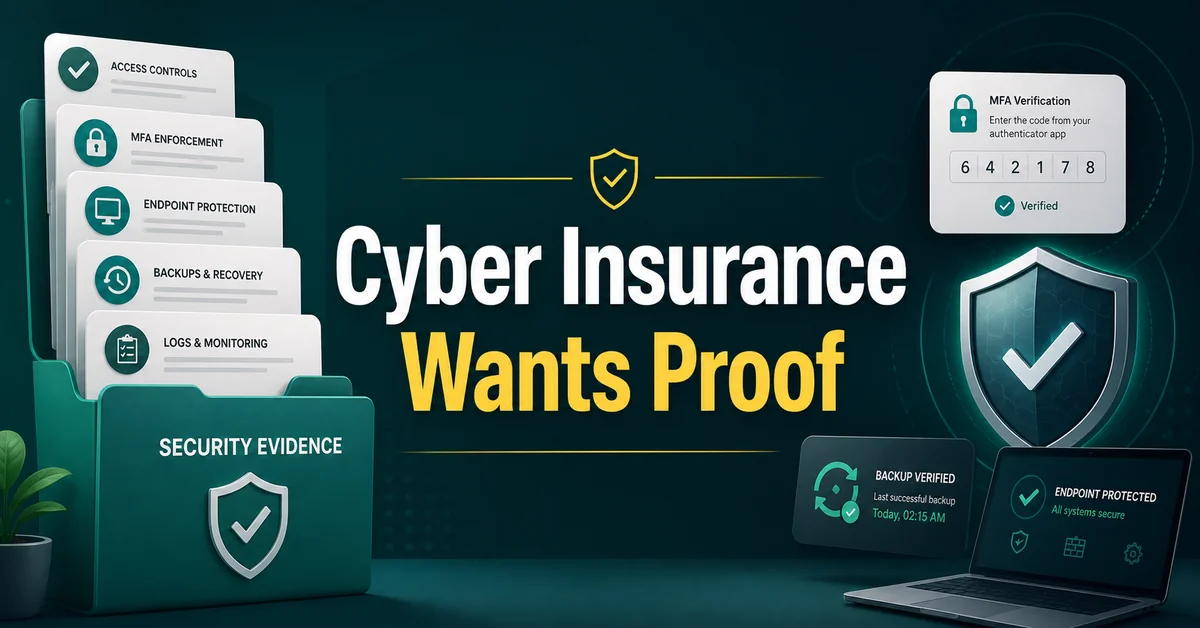
7 min read
Bill Monreal : August 13, 2026Cyber insurance asking for proof? Start with MFA, backups, endpoint protection, response planning, and clear security documentation.