6 min read
Keep AI Useful After the Pilot Ends
 Bill Monreal : October 8, 2026
Keep deployed AI focused on business results with ongoing performance reviews, security checks, human oversight, and a clear plan for changes.

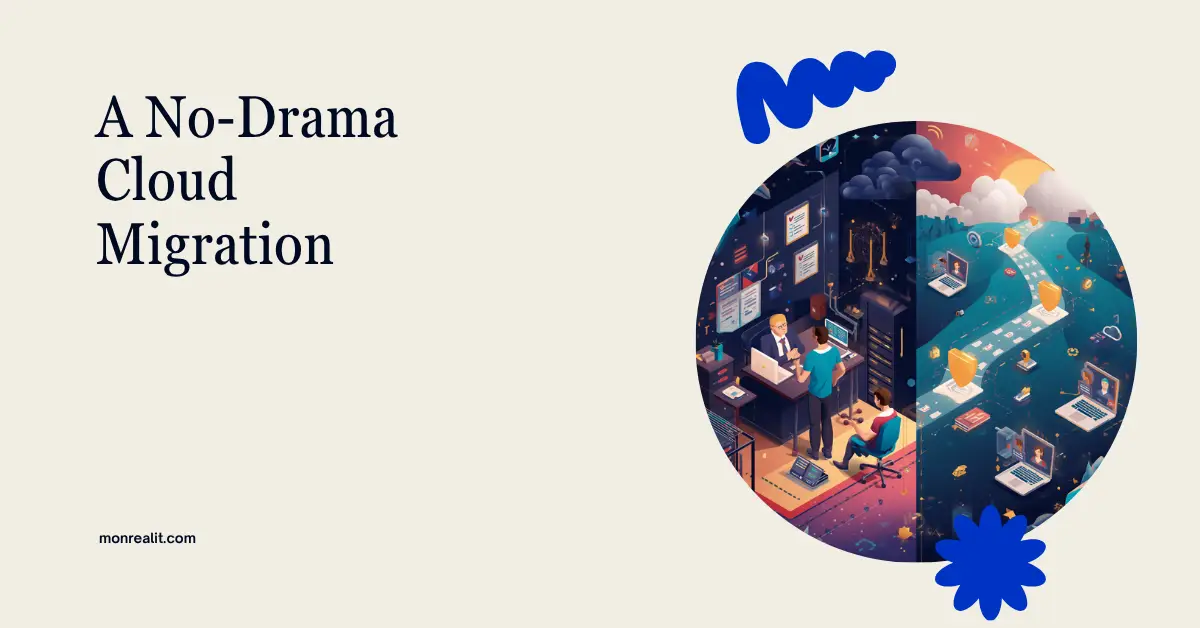
Moving files, apps, or business systems to the cloud sounds simple when it fits into one sentence. In practice, the move touches permissions, employee habits, internet connectivity, security, compliance, software integrations, and the one spreadsheet Pat has kept on the shared drive since 2014.
That doesn't mean a cloud migration has to be painful. It means the copying step shouldn't be mistaken for the whole project.
If your search history includes "managed IT services Cleveland," you're probably looking for more than someone who can move data from Point A to Point B. You need a plan that keeps the business working while the technology changes underneath it. The following checklist is designed to help a small business make that move with fewer surprises.
Before choosing tools or setting a migration date, write down what the move is supposed to improve. Are employees struggling to reach files from home? Is an aging server becoming harder to support? Are teams emailing attachments because the current shared drive is confusing? Does leadership need stronger access control or a more dependable recovery plan?
Name one project owner and define two or three measurable outcomes. Those outcomes might include reducing remote-access tickets, retiring a server before its warranty expires, or giving department leaders clearer ownership of shared files.
This is also the right time to explore how managed services support long-term IT planning. A migration creates lasting responsibilities for licensing, user support, security, backup, and cost management. Someone needs to own those jobs after the celebration snacks are gone.
Build an inventory of the data, applications, users, devices, integrations, and workflows affected by the move. Don't rely only on what leadership thinks exists. Talk with the people who use the systems every day.
An accounting firm may discover that its document-management software depends on a mapped drive. A manufacturer may have a workstation that exports production data to a local folder every night. A medical practice may need to confirm where protected health information can be stored and which vendors can access it.
Record the owner, business purpose, sensitivity, size, age, and dependencies of each major workload. Microsoft's migration-planning guidance similarly emphasizes readiness, sequencing, data-transfer decisions, and choosing an approach for each workload. The inventory is what makes those decisions possible.
A migration isn't a requirement to move every digital fossil into a nicer cave. Classify content and systems into four groups:
For file projects, Microsoft's file-share migration guidance recommends planning, assessment and remediation, target preparation, migration, and user onboarding. That sequence matters. Cleaning up duplicate files, unsupported characters, oversized paths, and abandoned folders before cutover is usually easier than untangling them afterward.
If the project began because hardware is failing, review whether an aging server should be replaced or moved to SharePoint before choosing the destination. Some workloads belong in SharePoint or OneDrive. Others may need Azure, a specialized cloud application, or even a retained local system. "Put it all in SharePoint" isn't a strategy.
Decide where each type of information belongs, how employees will find it, and who will own it. In Microsoft 365, personal working files may fit in OneDrive, while department and team content may belong in SharePoint or Teams. The exact design should reflect how people work, not an old folder tree copied without question.
This is where choosing the right cloud environment becomes a business decision rather than a product contest. Consider data sensitivity, compliance obligations, application compatibility, internet reliability, support requirements, and expected growth.
Create the structure, naming standards, retention settings, and ownership model before the main migration. Otherwise, the new cloud can become the old mess with a monthly subscription.
Cloud access should be based on job responsibilities, not on whoever asks most confidently. Review active users, administrators, vendors, shared accounts, and guest access. Require multifactor authentication, apply least-privilege permissions, and document who approves access changes.
Security also includes cybersecurity decisions that belong in every migration plan, such as endpoint protection, device compliance, logging, recovery, incident response, and employee training. CISA's cybersecurity guidance for small businesses is a useful baseline for achievable protections, especially when a company doesn't have a large internal security team.
Confirm how the cloud provider protects its platform and which responsibilities still belong to your business. Cloud services don't eliminate the need to manage identities, devices, configurations, and data recovery.
Choose a small group that represents normal business activity. Include at least one enthusiastic employee, one less-technical employee, and someone who uses a business-critical workflow. A pilot made entirely of IT people can prove the technology works while missing how confusing it feels to everyone else.
Test opening, editing, searching, sharing, scanning, printing, syncing, and recovering files. Test line-of-business applications and mobile access. Confirm that permissions work both ways: authorized people can reach what they need, and unauthorized people can't.
In our professional judgment, most small businesses are safer with a phased migration than a single big-bang weekend. A full cutover can make sense for a small, simple environment with well-tested dependencies. Once several departments, locations, or specialized applications are involved, phases make problems easier to isolate and correct.
Choose a migration window that reflects the business calendar. Avoid payroll deadlines, month-end reporting, patient-heavy days, seasonal production peaks, and other moments when even a short interruption carries extra cost.
Write down when users should stop editing the old system, when the final data sync will occur, how completion will be verified, and who has authority to delay or roll back the cutover. Preserve a recoverable source until validation is complete. A rollback plan isn't pessimism. It's a seat belt.
Tell employees what is changing, what isn't, when it will happen, and where they can get help. Give them short instructions for their most common tasks. Plan extra support for the first few business days rather than assuming a kickoff email counts as training.
After migration, compare file counts and key records, test permissions again, verify integrations, and ask department owners to sign off on their workflows. Monitor support requests, failed logins, sync errors, storage consumption, and unusual access.
Don't leave the old system available forever "just in case." Once the validation and retention window is complete, remove unnecessary access and retire old infrastructure according to the plan. Keeping two unofficial sources of truth invites employees to save new work in both places.
Review spending after the first full billing cycle. Understanding why cloud costs can jump after the move and spotting cloud licensing mistakes that appear later can prevent quiet waste from becoming a permanent line item.
A successful migration isn't measured only by how many gigabytes moved. Employees should know where to work, managers should know who owns the data, leadership should understand the ongoing cost, and the business should be able to recover when something goes wrong.
Start with the business outcome, inventory the real environment, clean up before copying, secure the destination, pilot with real users, and keep a tested fallback. That plan takes more effort than clicking "migrate," but it gives your team a much better chance of arriving in the cloud without bringing the chaos along.

6 min read
Bill Monreal : October 8, 2026Keep deployed AI focused on business results with ongoing performance reviews, security checks, human oversight, and a clear plan for changes.
6 min read
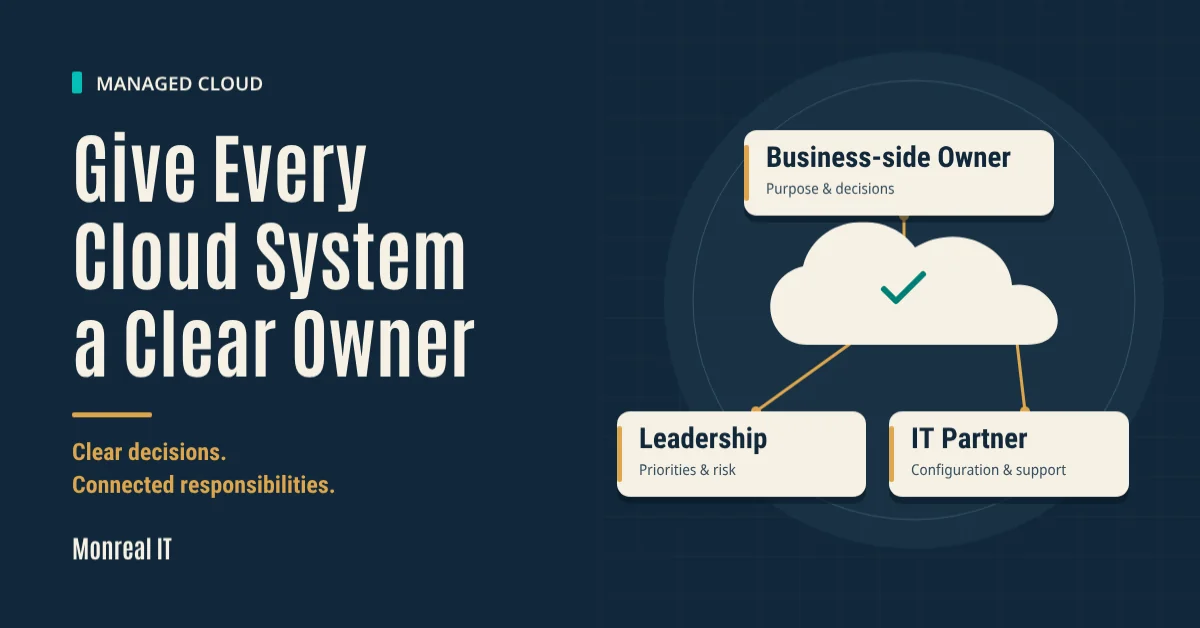
Bill Monreal : October 1, 2026Clarify who owns your cloud systems, approves changes, and reviews performance so business decisions don't fall between your team and IT.

6 min read
Bill Monreal : September 24, 2026Give internal AI better source material. Start with approved documents, clear owners, current information, and access that matches people's work.