 Monreal IT
 6 min read
Crypto Agility Keeps Encryption Change From Becoming a Crisis
 Bill Monreal : September 3, 2026
Crypto agility helps your business change encryption without chaos. Learn why an inventory and transition plan matter before standards shift.


You're lying in bed at 2:00 AM, staring at the ceiling. A terrifying thought just crossed your mind. Your sales director, who just left for a two-week vacation, has your entire client database synced to his personal smartphone. What happens if he leaves it in the back of an Uber?
If your team's using their personal devices to answer client emails, access company servers, or log into your cloud applications, you're squarely in the middle of the Bring Your Own Device dilemma. Also known as BYOD, this practice is fantastic for flexibility but an absolute nightmare for security.
I can't count the number of times I've seen local business owners completely freeze up when I ask them how they secure the data on their employees' personal phones. Just last week, I was doing an IT audit for a manufacturing firm, and I noticed their floor managers were passing around unmanaged personal iPads to log inventory. I asked the CEO what would happen if one of those devices fell victim to the new DarkSword iOS exploit that just hit the federal warning lists this month. The look on his face said it all.
In my professional opinion, allowing completely unmanaged personal devices to access corporate data is the equivalent of leaving your office front door wide open overnight. While some IT folks argue that native Apple and Android security features are robust enough to keep the bad guys out, I've always found them lacking when it comes to true enterprise-level control. You simply can't trust consumer-grade settings to protect proprietary business information.
Keep in mind, however, that implementing security measures on employee-owned devices requires a delicate touch. You still need to respect user privacy. You've got to ensure your IT department isn't accidentally wiping an employee's family photos when they're just trying to remove company emails from a lost phone. It's a balancing act.
It makes sense why so many companies embrace BYOD. It saves money on hardware. Employees love using the devices they're already familiar with. But that convenience comes with a massive hidden price tag. Research shows that nearly 48% of organizations faced breaches from unsecured personal devices in the last year alone.
The threat landscape in 2026 has evolved dramatically. We're no longer just dealing with generic phishing emails. We're seeing AI-driven social engineering attacks specifically designed for mobile platforms. Threat actors are using deepfakes and advanced voice cloning to trick employees into handing over access codes right from their cell phones. If you want to understand the full scope of these threats, it's highly recommended to review a comprehensive cybersecurity breakdown to see exactly what you're up against.
It isn't just phones, either. Many offices are still struggling with basic hardware vulnerabilities. If you've ever worried about the risks of running outdated operating systems in your office, you already know that falling behind on patches is a recipe for disaster. Now imagine that same patching negligence happening on twenty different personal iPhones connecting directly to your server.
You don't have to ban personal devices to keep your business safe. You just need a plan. Here are the steps you should take immediately to patch this massive security blind spot:
Navigating these waters alone is incredibly frustrating. We see common frustrations local businesses experience with inadequate tech support all the time, especially when it comes to balancing remote work flexibility with security.
When looking for the managed IT services Cleveland businesses rely on to fix these exact blind spots, you need a partner who understands the nuance of modern work environments. It isn't just about locking things down. It's about enabling your team to work securely from anywhere. Take a moment to understand what comprehensive managed services actually cover.
Stop losing sleep over unmanaged smartphones. By putting the right tools and policies in place today, you can give your team the flexibility they want while maintaining the ironclad security your business needs. Reach out to our team today to discuss which option makes the most sense for your unique operational needs.
6 min read
Bill Monreal : September 3, 2026Crypto agility helps your business change encryption without chaos. Learn why an inventory and transition plan matter before standards shift.
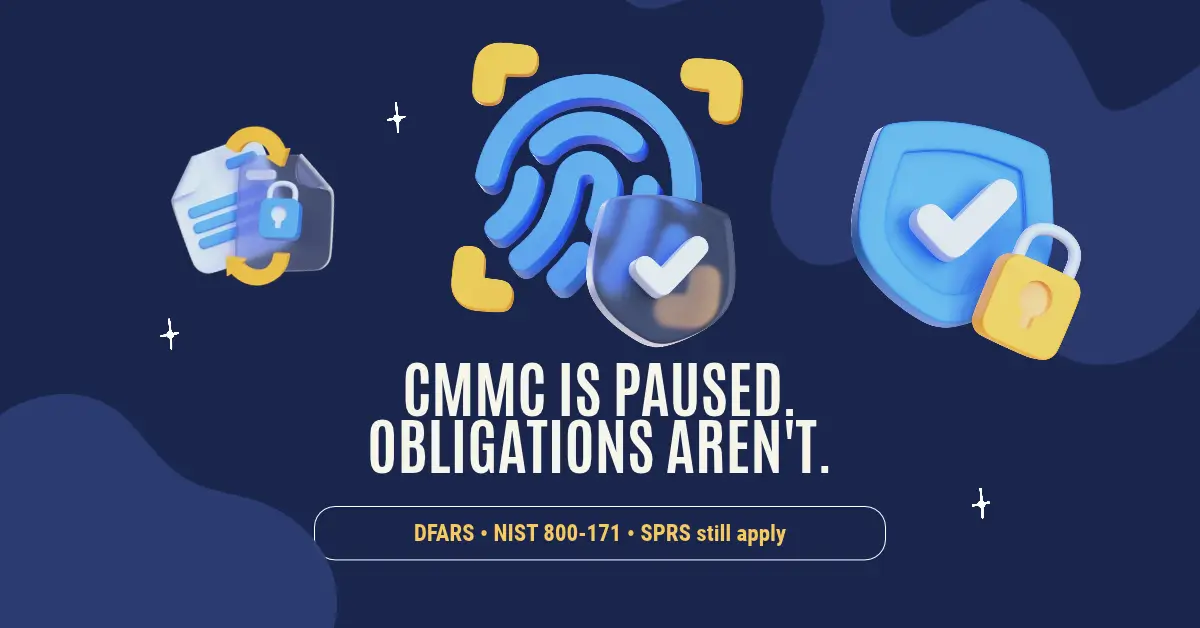
7 min read
Bill Monreal : August 27, 2026CMMC Phase II is paused, but DFARS, NIST 800-171, SPRS scores, and prime flow-downs may still apply. Here's what defense suppliers should do.
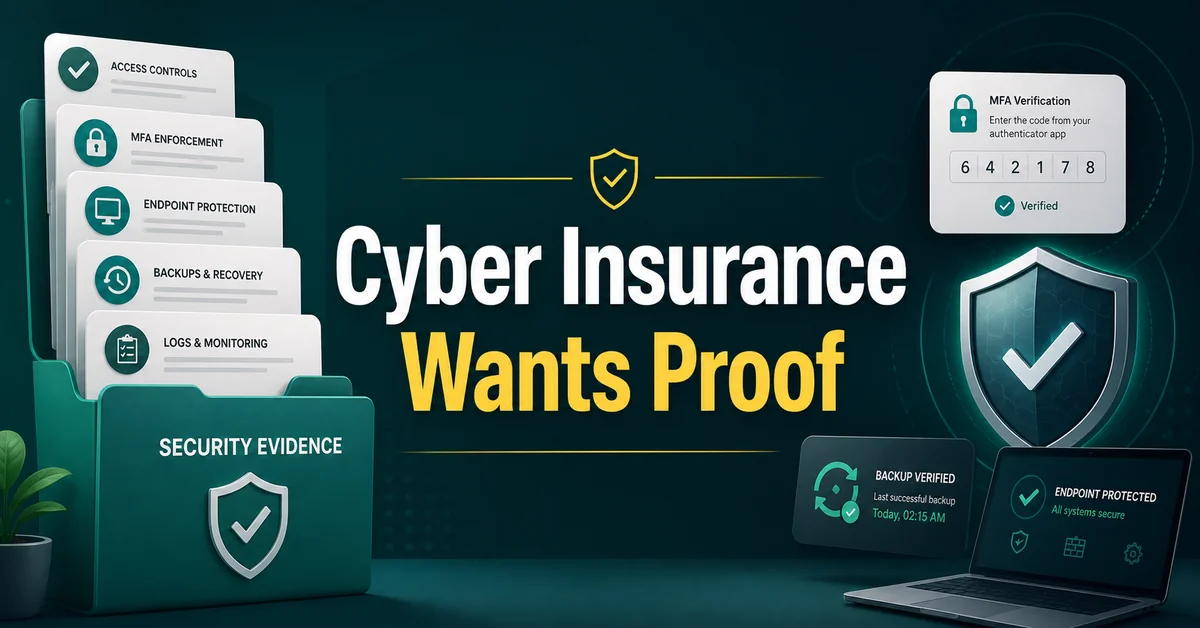
7 min read
Bill Monreal : August 13, 2026Cyber insurance asking for proof? Start with MFA, backups, endpoint protection, response planning, and clear security documentation.